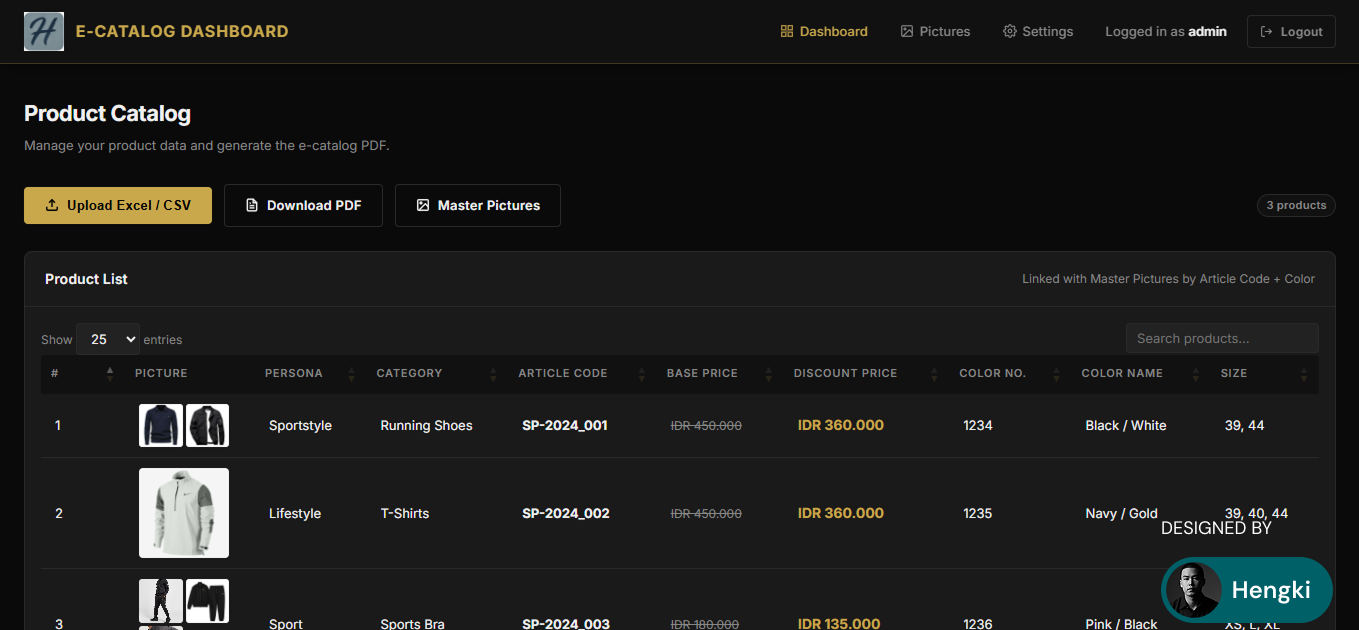
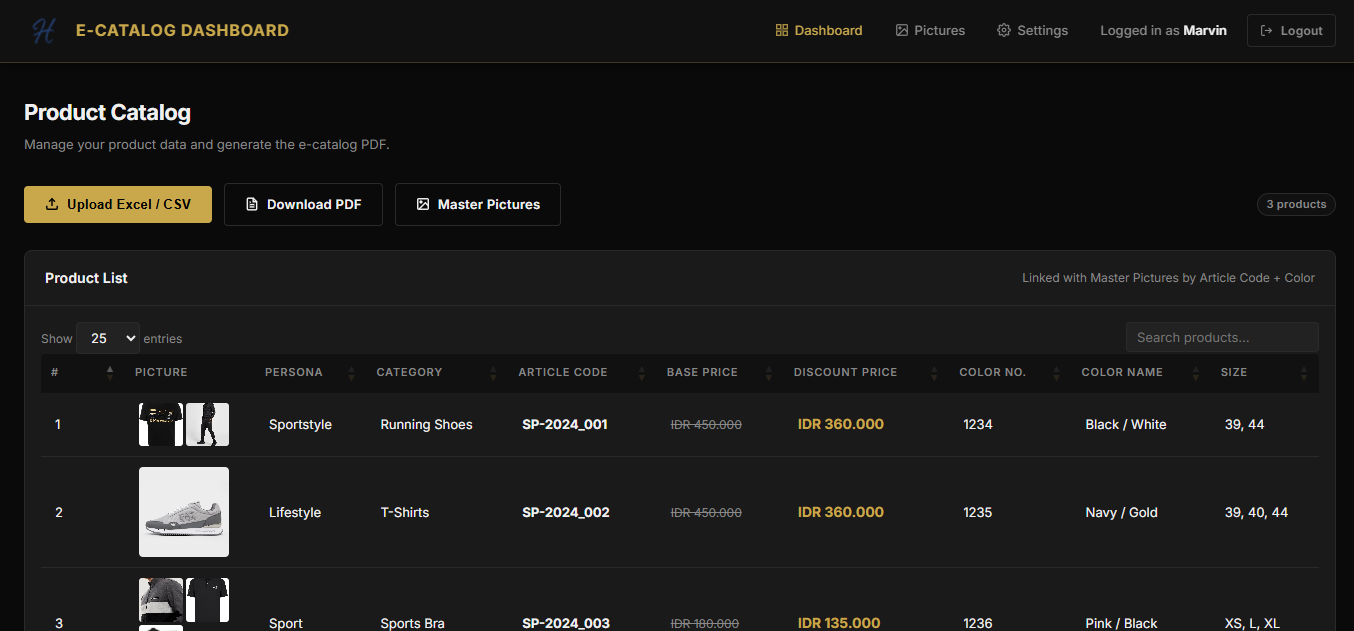
A full-stack admin dashboard for a sport fashion company to manage product catalogs, upload bulk product data, and generate a premium branded PDF e-catalog — all from a single web interface.
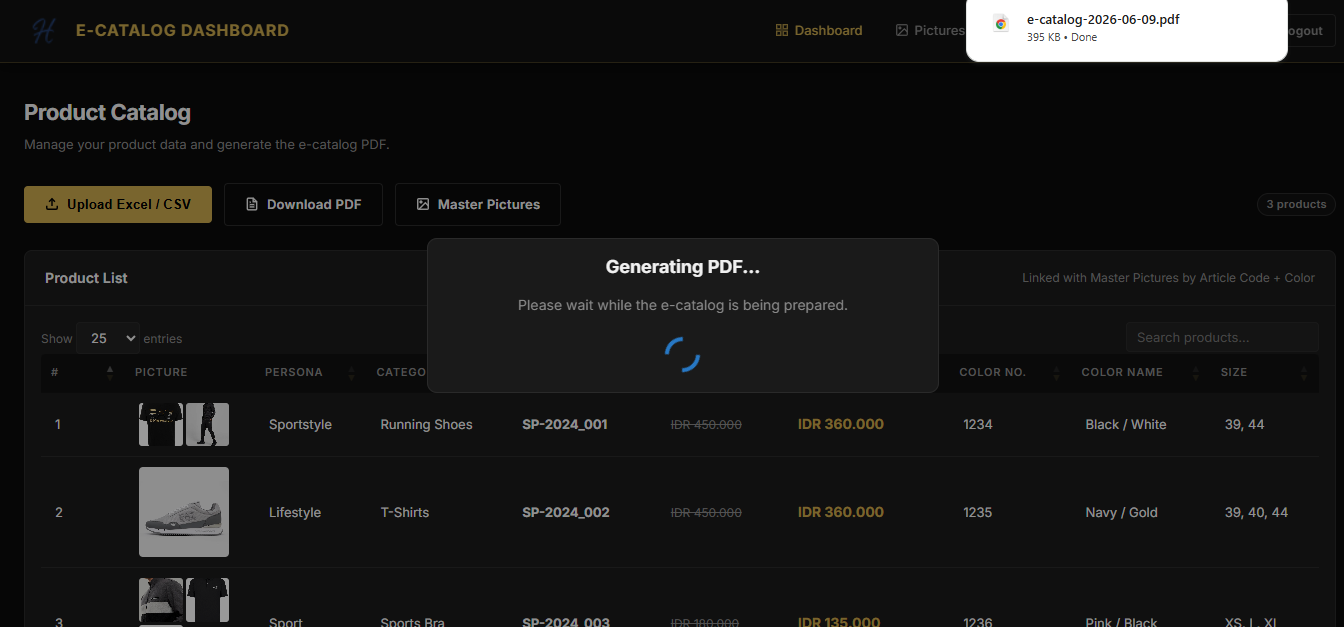
The company needed a way to produce a professional, branded PDF e-catalog for their sport apparel products — without relying on manual design tools like Canva or Photoshop every season. The challenge was building a system that a non-technical admin could operate: upload an Excel file, assign product photos, and download a ready-to-print PDF catalog in seconds.
I designed and built the entire platform from scratch: MySQL database, PHP backend with session-based authentication, an Excel/CSV importer, a master picture management system, and an mPDF-powered PDF generator — all wrapped in a premium dark gold UI.
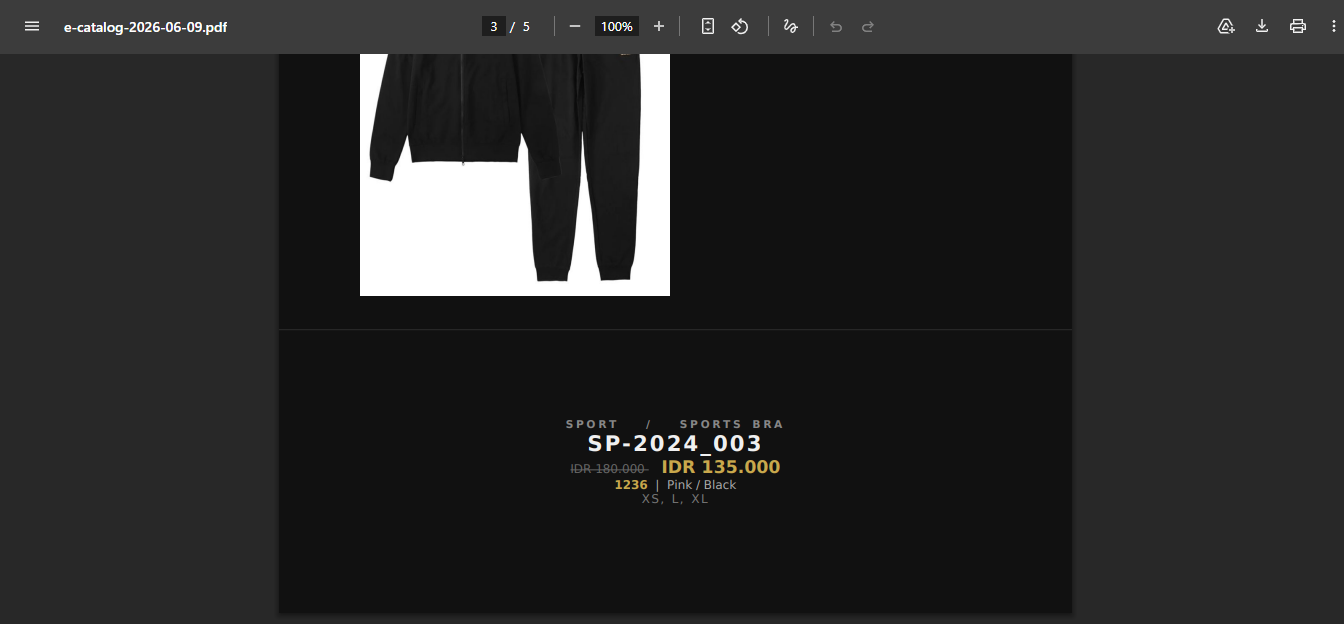
Generating pixel-perfect A4 PDF pages with dark backgrounds and images from a server-side PHP script — mPDF has no flexbox or CSS grid support, requiring all layouts to be rebuilt using HTML table structures.
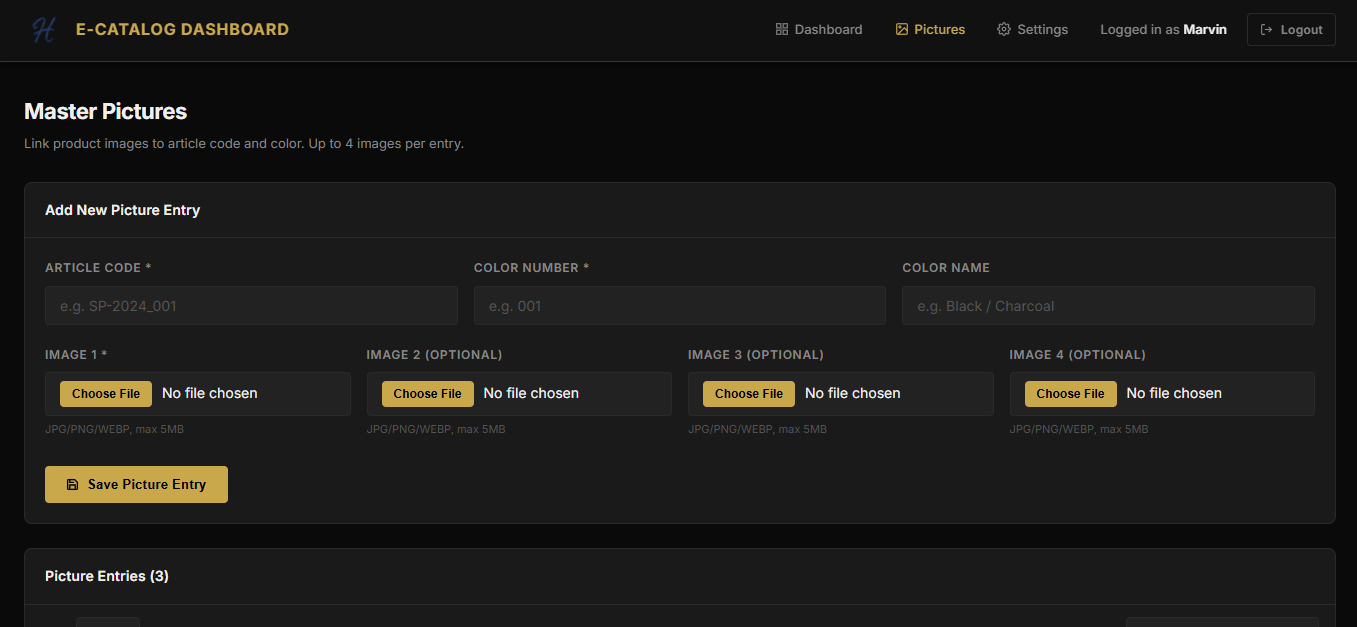
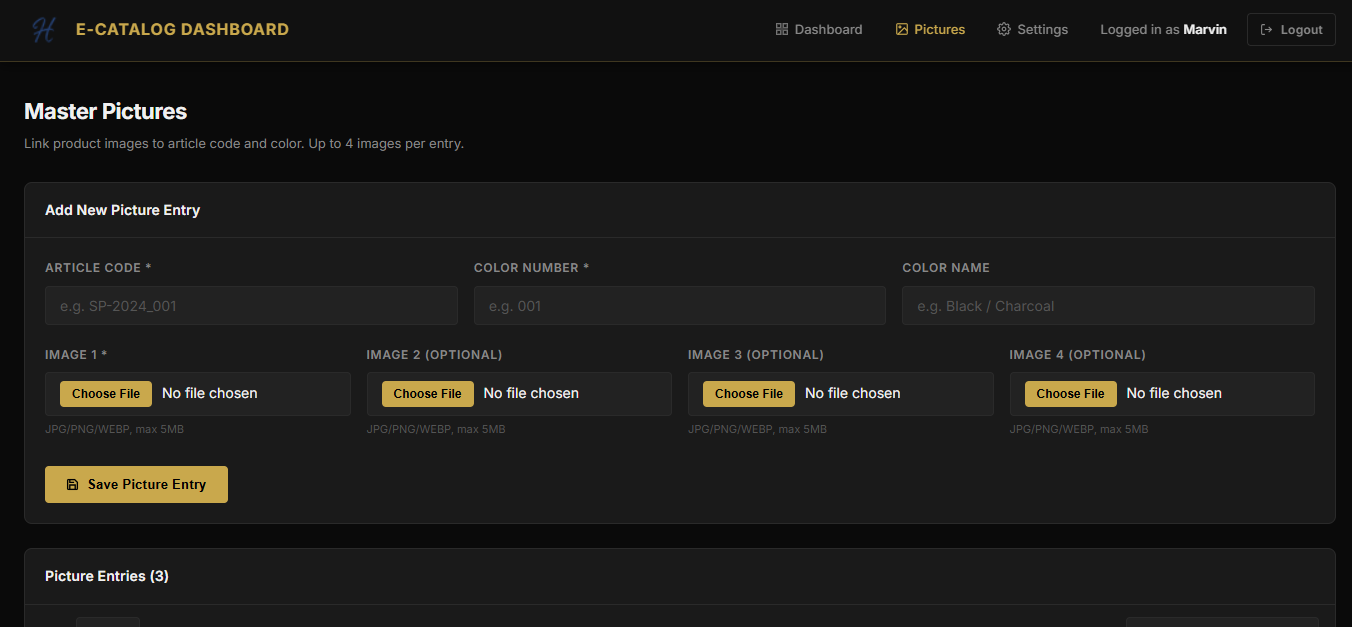
Connecting up to 4 product photos per color variant without a rigid foreign key, using a composite key (article code + color number) so photos and product data can be uploaded independently and matched at render time.
Making the same codebase work on local XAMPP (subdirectory path) and Hostinger shared hosting (subdomain root) by controlling all URL resolution through a single APP_PATH constant — no duplicate files.
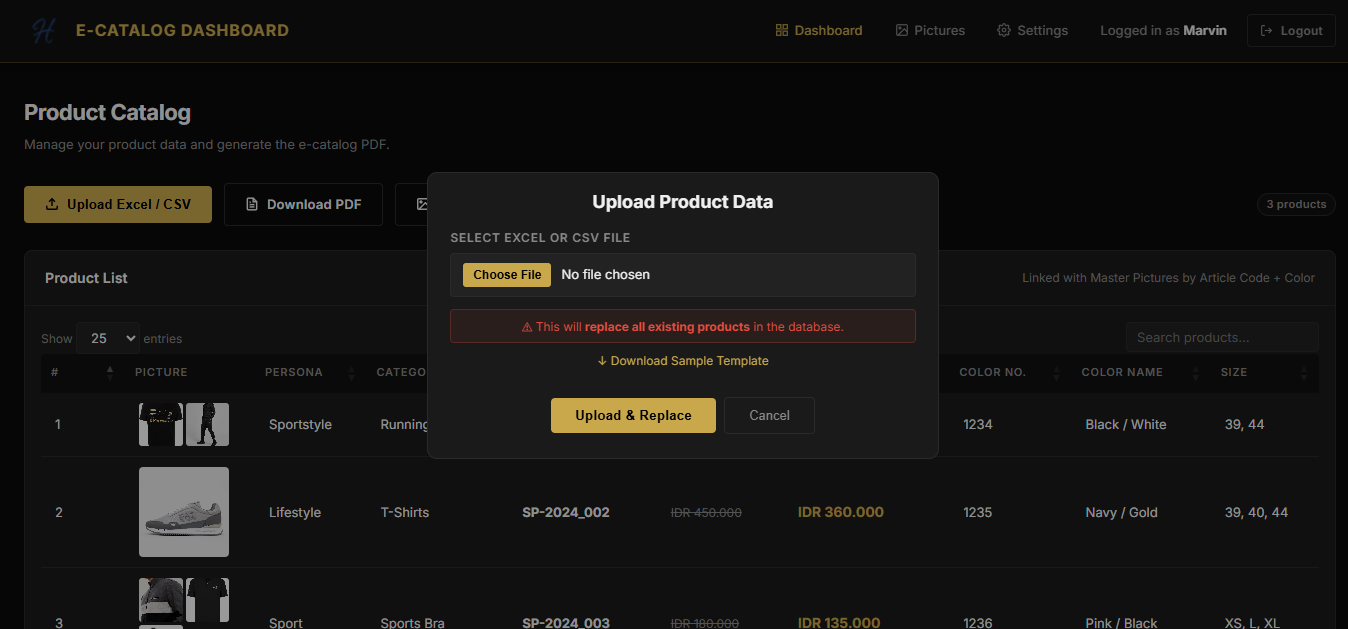
I built a PHP 8.1+ application on a plain-PHP architecture (no framework) to keep the codebase easy to read, deploy, and maintain on shared hosting. Products are imported via Excel/CSV using PhpSpreadsheet — uploading a new file replaces all existing products in a single transaction, keeping the catalog always in sync with the source data.
Product photos are managed separately in a Master Pictures module, supporting up to 4 images per article+color combination. At PDF generation time, the system matches photos to products by composite key and renders each product on its own A4 page using a table-based mPDF template — adapting the image layout automatically based on how many photos are available (1 full-page, 2 side-by-side, 3–4 in a 2×2 grid).
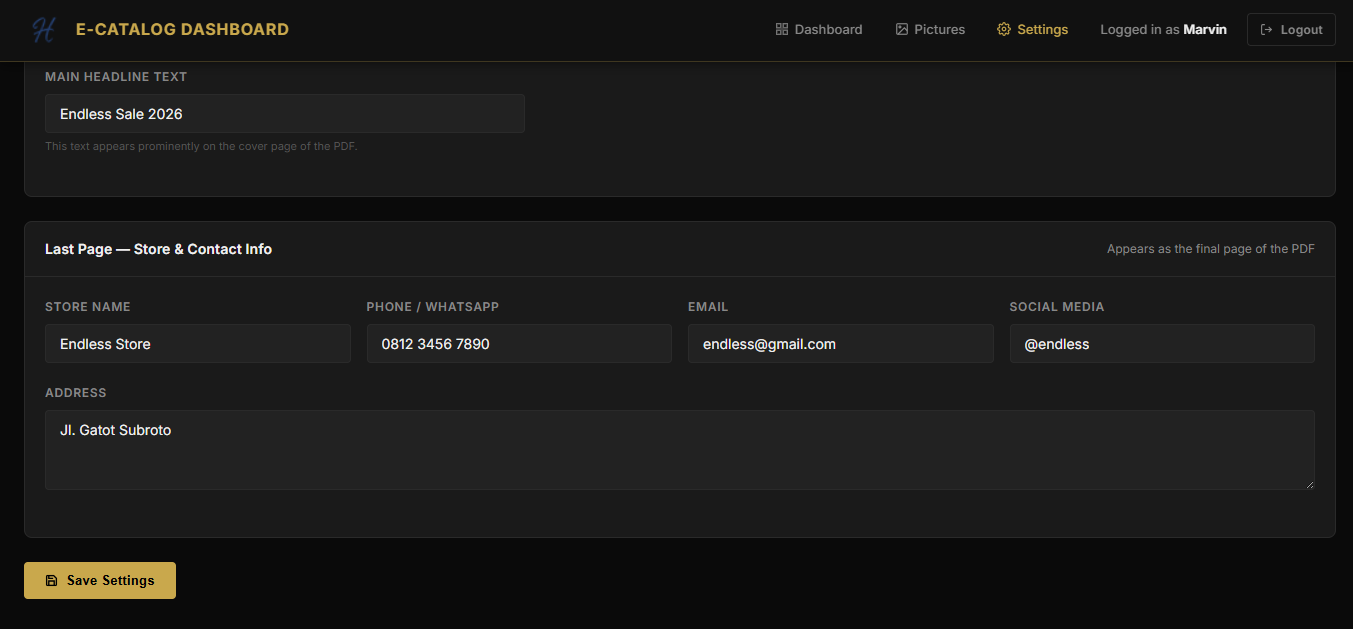
The cover page, last page, store contact info, and logo are all configurable from the Settings panel — no code changes needed between catalog seasons.